Step 1: Complete all required details and submit the form to continue.
Result
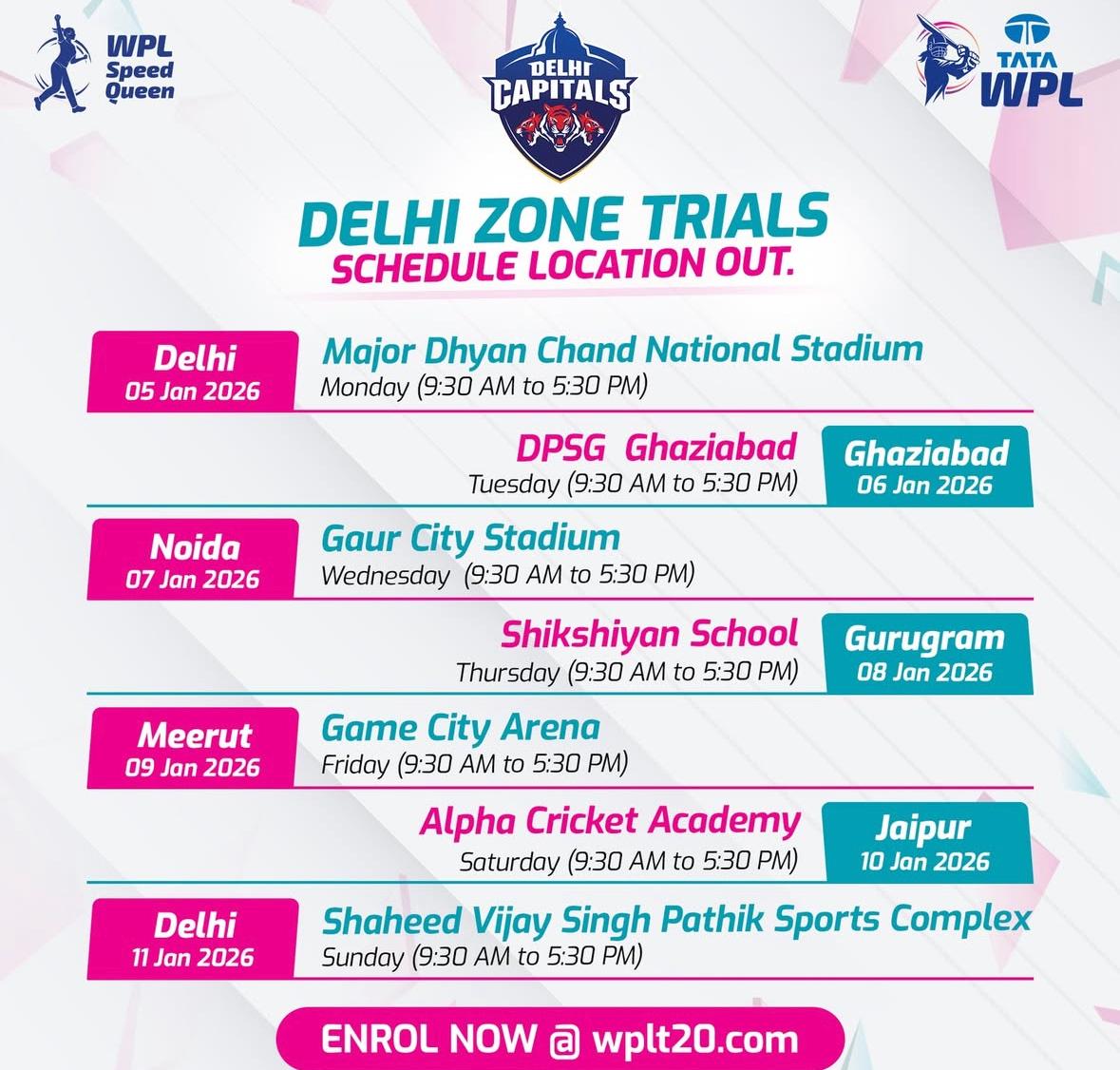
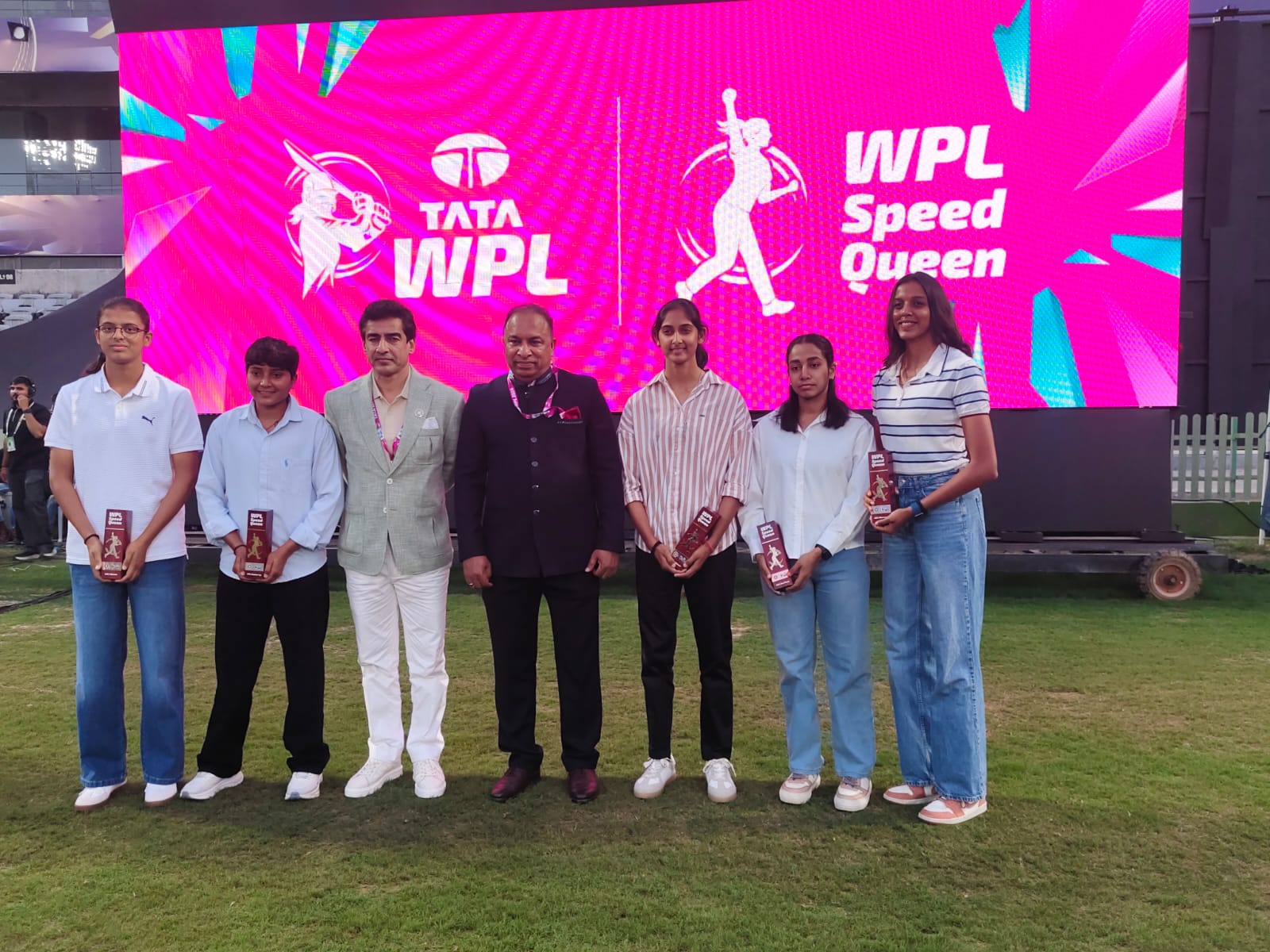
Women’s Premier League Talent Window
Register. Upload. Get Shortlisted.
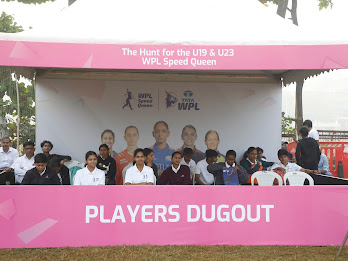
First time — a national stage for women bowlers to showcase pace through video screening + zone trials. Fill the form below and continue to video upload as per campaign instructions.
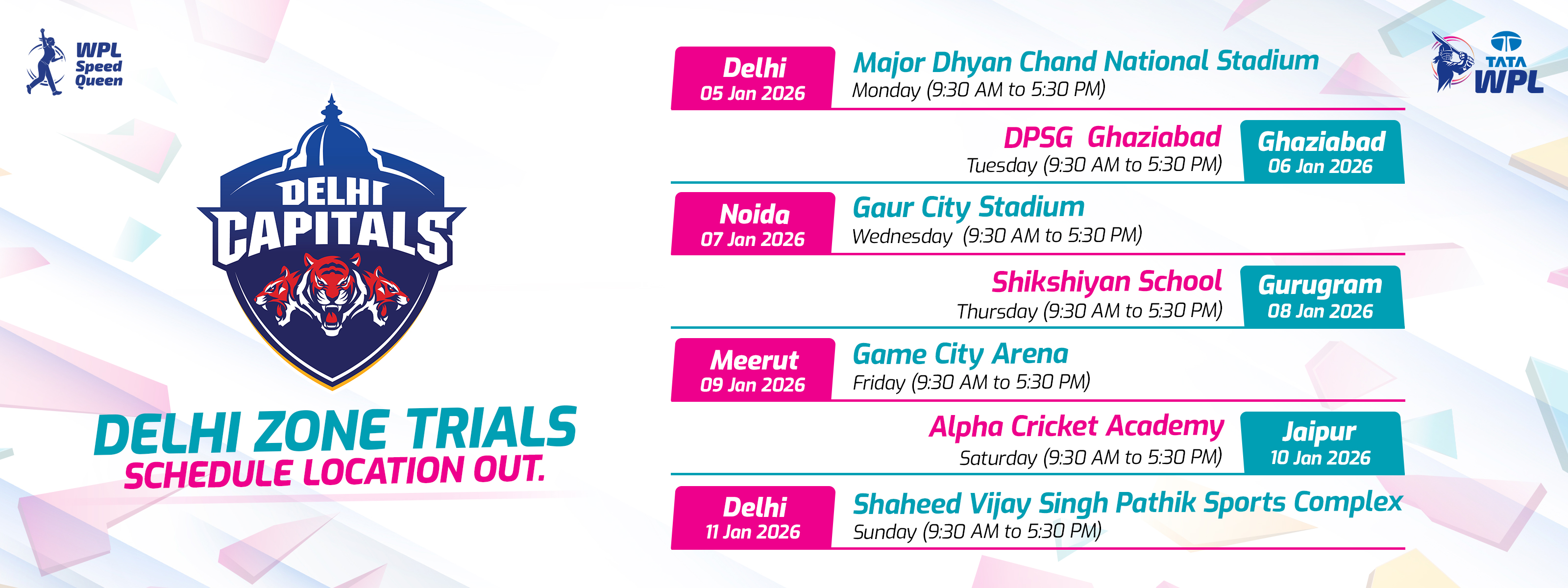
Disclaimer: Schedule is indicative and may change based on registrations in each zone.
How to Record & Upload Your Bowling Video
Follow this simple guide to make sure your video is accepted and your speed is evaluated correctly.
1. Who Can Participate?
Girls only.
Age categories:
Under 19
Under 23
Any city in India.
Fast bowler / medium pacer (no underarm bowling).
2. Camera Position & Angle
2.1 Camera Position (Very Important)
Use a mobile phone (any recent smartphone is fine).
Record in Landscape mode (horizontal).
Keep the phone side-on, roughly mid-pitch:
Imagine a line joining both sets of stumps.
Stand 5–10 metres to the side of that line, near the middle.
The camera must capture:
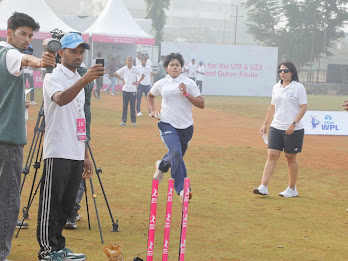
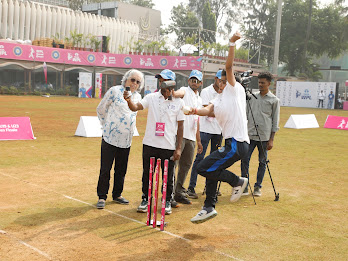
Bowler’s full run-up.
Jump + release.
Ball travelling all the way to the batsman / stumps.
Wrong: Camera directly behind bowler or batsman (front-on). Right: Camera from the side where you can clearly see the ball travelling across the screen.
2.2 What Must Be Visible in the Frame?
Bowler’s full body – from start of run-up to follow-through.
Ball in the air – clearly visible as it leaves the hand.
At least one set of stumps – ideally both ends, minimum one full wicket (all 3 stumps).
Pitch area – central part of the pitch so the ball flight is clear.
Optional but helpful: batter at the crease, boundary / ground markings, sight screen etc.
2.3 Video Quality
Minimum resolution: 720p (HD) or higher.
Frame rate: standard phone setting (30 fps or 60 fps).
Use good lighting – daylight or properly lit ground.
Avoid:
Heavy shadows on the pitch.
Shooting directly into the sun or floodlights.
Very shaky or zoomed-in footage.
3. How Many Balls to Bowl?
At a time, Record one continuous video with 1 delivery.
Bowl at your match pace, not just a casual practice pace.
4. Dress Code & Ball Type
Dress Code
Coloured cricket clothing preferred (academy / league kit).
Proper cricket shoes or sports shoes.
Avoid very loose scarves / dupattas that cover the bowling arm.
Ball
Use a standard leather ball.
White leather ball preferred for contrast with the background.
Tennis ball / foam ball is not recommended for official speed evaluation.
5. Instructions for Parent / Coach (If Helping)
Do not stand in the ball’s path.
They can stand near the camera or behind the side screen.
Their main job:
Ensure bowler, ball, and stumps are always in frame.
Register / Login
Fill your details: Name, Age, City, Mobile, Email.
Select Age Group
Choose U-19 / U-23.
Upload Your Video
Click “Upload Video”, select your side-on clip (3–6 balls), and wait till upload reaches 100%.
Submit
Click “Submit for Review”. A success screen will confirm submission.
Track Status
You will receive SMS / WhatsApp / Email once your video has been screened and, if selected, details for city trials.
8. Reasons Your Video May Be Rejected
Your video may be rejected or not evaluated if:
Camera angle is front-on, directly behind bowler or batsman.
The ball is not clearly visible in the air.
Run-up or release is out of frame.
No stumps are visible at either end.
The video is too dark, overexposed, or extremely shaky.
The video is edited with slow motion, filters, or effects.
The clip shows multiple bowlers or it is not clear who is bowling.
The clip is of tennis-ball street cricket with no proper pitch or stumps.
Example rejection message:
“Your video could not be evaluated because of camera angle / visibility issues. Please re-record from a
side-on angle, making sure bowler, ball and stumps are clearly visible.”
9. About the Speed Shown on Screen
Q: How accurate is the speed shown on my screen?
The speed shown is an approximate estimate based on your video.
It is used for screening and placing you into speed brackets
(for example: 70–80 km/h, 80–90 km/h, etc.).
Final official speeds will be measured during physical trials using
calibrated cameras and professional equipment.
10. Quick Checklist (Before You Upload)
Phone in landscape.
Camera side-on, not behind.
Bowler + ball + stumps clearly visible.
Record 3–6 balls in one clip.
Use leather ball (white preferred).
Wear proper cricket kit / sportswear.
Shoot in good light.
Do not zoom while recording.
No slow motion / filters / edits.
Wait for the success screen after upload.
How it works (in 3 simple steps)
From registration to WPL zone trials — fast, fair & transparent
STEP 1
Register in your age group
Fill basic details, pick U19 / U23 and select your nearest WPL franchise zone.
STEP 2
Upload a side-on bowling video
1 ball Video (3 Max), landscape, white leather ball preferred, full run-up + release clearly visible.
STEP 3
AI screening & trial invite
AI + experts score your clip. Shortlisted bowlers get invites for physical trials in their zone trial week.
PCL Short Clips Library
Scroll through short clips showcasing
branding, team celebrations, sponsors, commentary moments
and merchandise reveals.